



How do i disable/change Spawn Protection on my server??
Still stuck? Please create a Support Ticket or join our Discord and our team will be happy to help!
Spawn Protection is enabled by default on all Minecraft servers for the first chunk that you load into. This area will disallow building/breaking for all players unless they are OP. This guide will show you how to change this to make it smaller/larger.
- Log in to your control panel here.
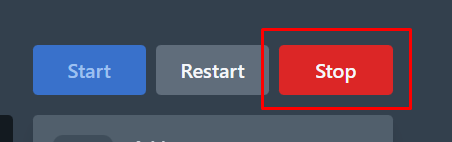
- Make sure your Minecraft server is stopped before continuing.
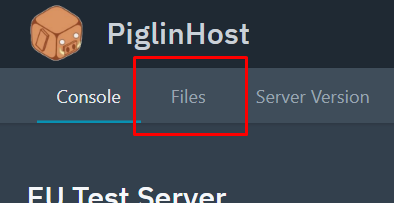
- Click the Files tab.
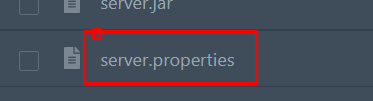
- Find the file called "server.properties", then click this to open it.
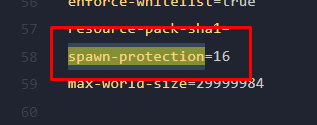
- Locate "spawn-protection" as shown below. You can see the default value is 16 blocks, you can change this number to whatever you desire. For example, if you put "0" this would mean there is no spawn protection.
- Once you are happy, click the Save Content button in the bottom right.
- Then, just simply start your your server!
If you would prefer for our Support team to do this for you free of charge then please contact us via Discord or Support Ticket!
