



How to add your own World to your Minecraft Server (Bedrock Edition)?
Still stuck? Please create a Support Ticket or join our Discord and our team will be happy to help!
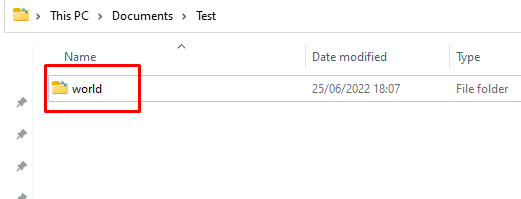
First, make sure you have your world folder on your PC. The first step is to rename this folder to world as shown in the the screenshot below (Or something memorable as you will need this later). Please make sure this is a valid Bedrock world. Java edition worlds will not work.
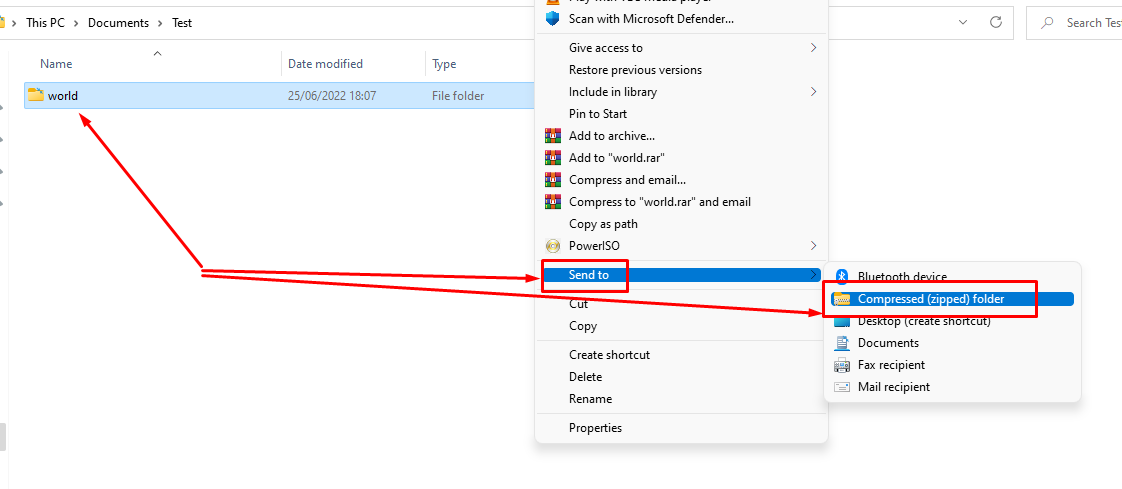
Then, zip this folder. On windows, you can do this by Right Clicking the folder as shown below, then clicking Send to then Compressed (Zipped) Folder
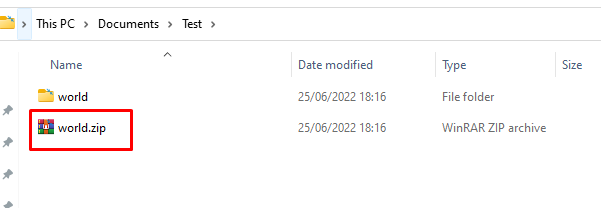
It should generate a zipped folder similar to below.
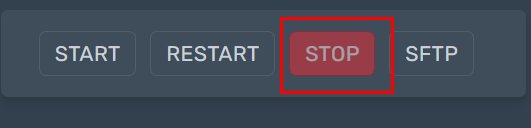
Then, head to your control panel. Ensure the server is stopped before proceeding.
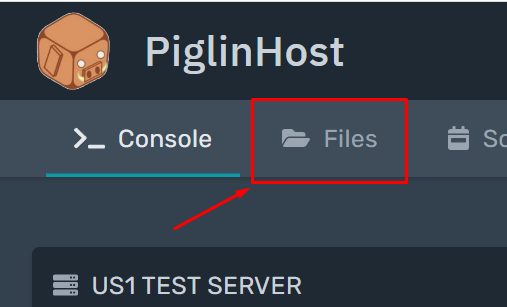
Then, visit the Files tab.
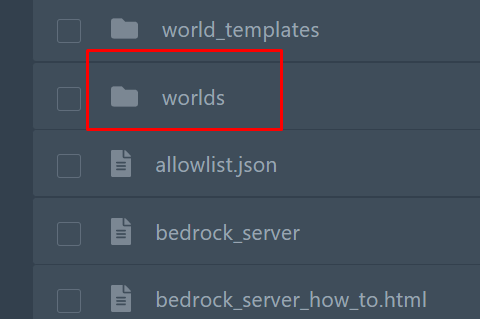
Then, find the folder called worlds and click this as shown below.
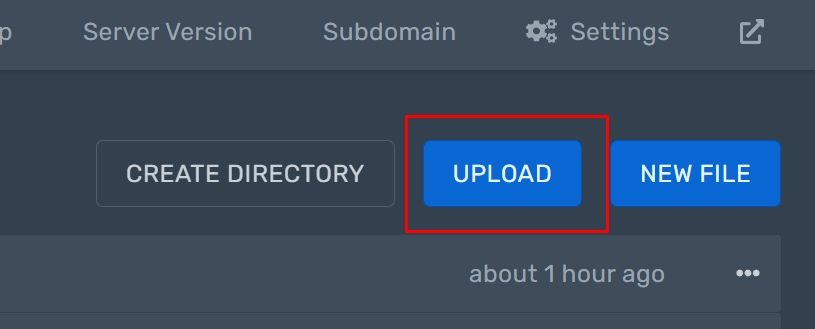
Then click the Upload button and select the Compressed Zip folder you created earlier. Then wait for it to upload, you will see the status on screen.
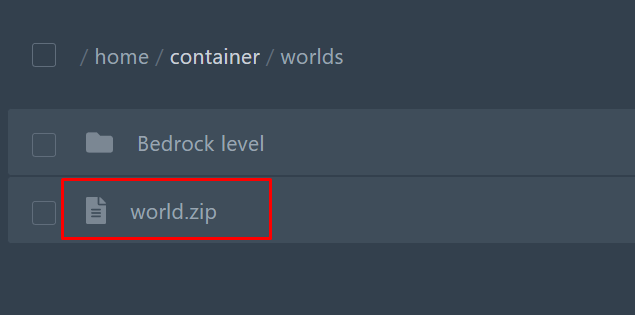
Alternatively, you can simply drag and drop it across. Then wait for it to upload, you will see the status on-screen. Once uploaded, it should look something like below.
Large world? If you have a large world or would prefer to use SFTP please see our guide here on how to connect FileZilla as this will be needed instead - https://billing.piglinhost.com/index.php?rp=/knowledgebase/17/How-can-i-uploadordownload-files-to-my-Minecraft-Server.html
Right click your compressed zip folder and then click Unarchive.
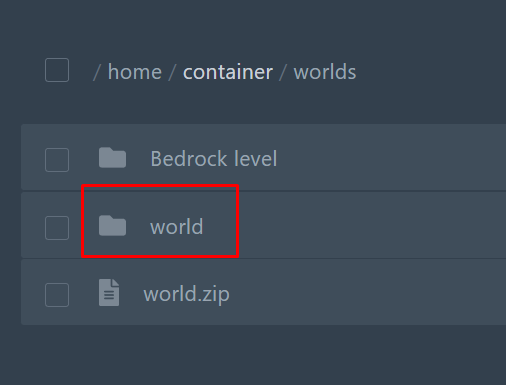
You should now see your world folder now appear as shown below.
Then head to the startup tab in your control panel on the left hand side. You should see a world field.
Simply change this to match the name of your world folder. In this guide, ours was named "world" so this is what we will change it to. If you called yours something else, please make sure its the same.
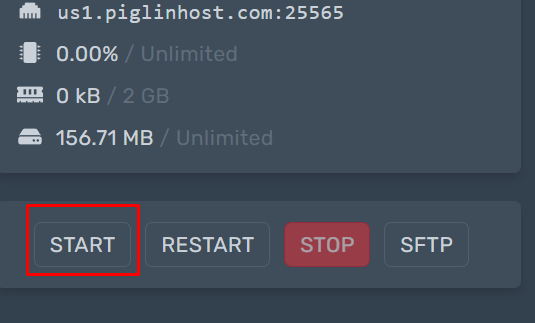
That is it, you can simply start your server back up again and it will load your new uploaded world!
If you would prefer for our team to do this, please create a Support ticket with a download link to your world and we can happily do this for you.
