



How do i join my Minecraft Bedrock Server?
Still stuck? Please create a Support Ticket or join our Discord and our team will be happy to help!
- Log in to your control panel here.
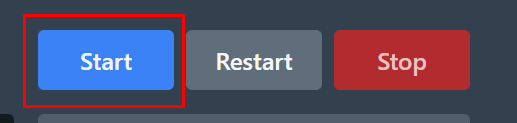
- Start your server.
- Open your Minecraft game on your Bedrock device (IOS, Android or Windows Bedrock). Joining from a console? Please click your console here to find the relevant guide: Xbox , Nintendo Switch , Playstation
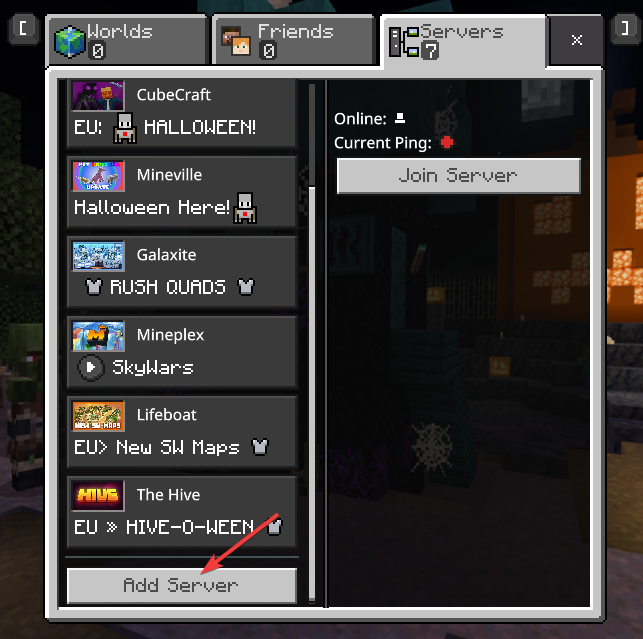
- Click Play, then click the Servers tab. Then click Add Server.
- For the Server Name, enter what you would like to call your server. This can be anything, this is just what will appear in your server list to identify the server.
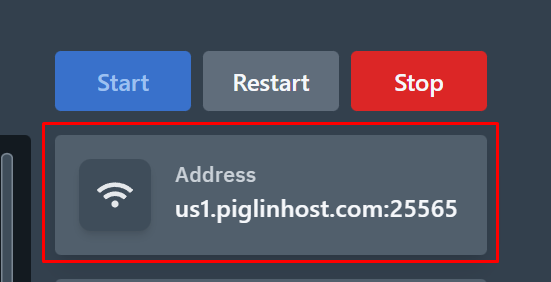
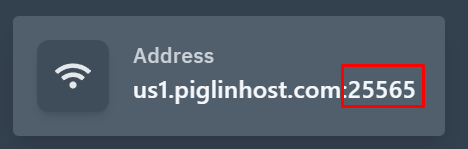
- For the next part, head back to your control panel and make note of the Address field as shown below. This can be found just under the Start Stop Restart buttons.
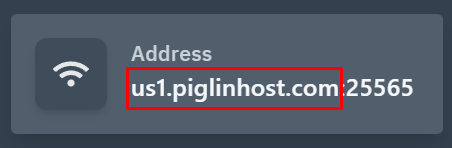
- For the Server Address field, enter the text before the colon from the Address field from above. In our example, this would be "us1.piglinhost.com" as shown below.
- For the Port field, enter the numbers after the colon from the Address field from earlier. In our example, this would be "25565" as shown below.
- Then click Save. Now, whenever you want to join your server you can simply head to the servers tab and connect! (No need to do any of the above again!)
If you encounter any issues or need further guidance then please contact our Support Team via Support Ticket or Discord and we will be more than happy to do this for you.
