



How do i update my Bedrock Minecraft Server?
Still stuck? Please create a Support Ticket or join our Discord and our team will be happy to help!
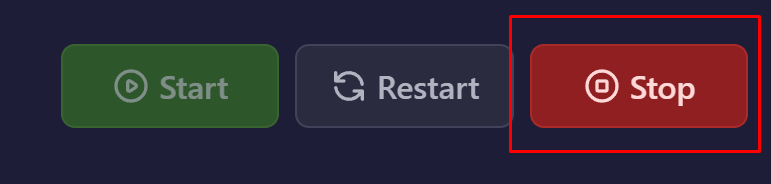
- First, stop your server completely.
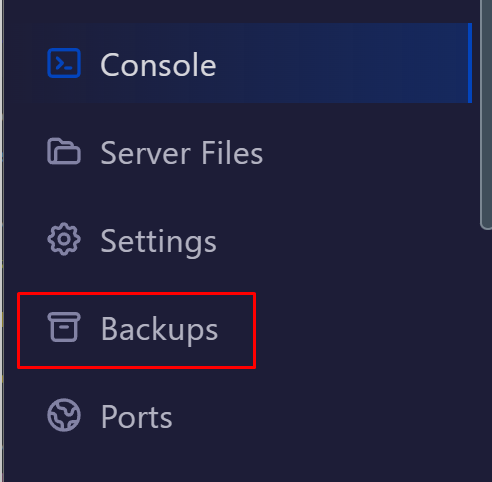
- We would always reccomend creating a backup before proceeding via the backups tab before updating your server.
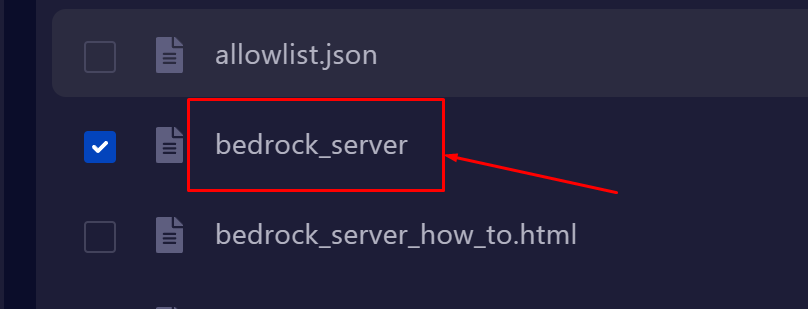
- Once you have made a backup, visit the Server Files tab, and delete the file called bedrock_server as shown below.
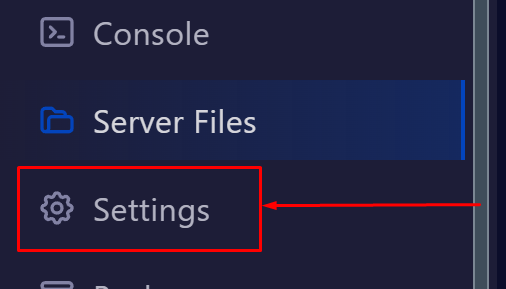
- Then, visit the Settings tab on the left hand side of the control panel.
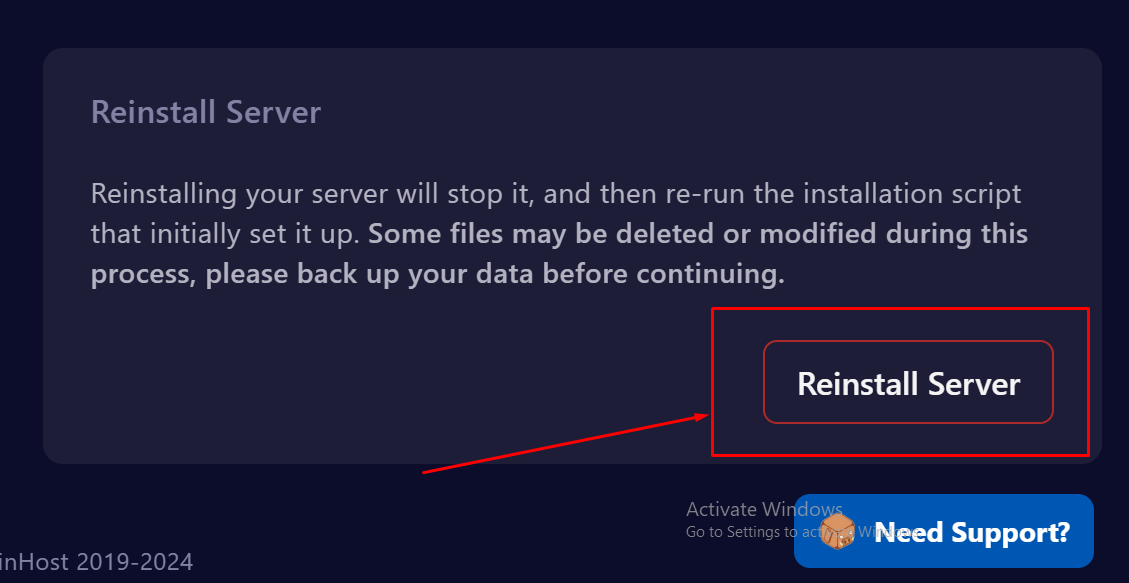
- Then click the Reinstall server button. This will gather the latest files for you.
- Once done, you can start your server back again!
If you encounter any issues or would prefer our team to do this for you please contact our Support Team via Support Ticket or Discord and we will be more than happy to do this for you.
