



How do i add a server icon?
Still stuck? Please create a Support Ticket or join our Discord and our team will be happy to help!
1. You will need to generate an icon for your server first. The icon must meet the following criteria :
- 64x64 Pixels
- PNG Format
- Filename must be 'server-icon.png'
If your server icon does not meet the 3 criteria above, then it will not work.
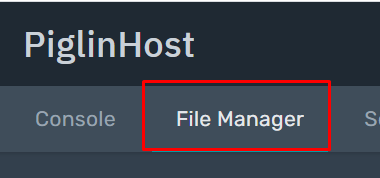
2. Click 'File Manager' at the navigation bar at the top of your control panel, then click 'Upload'. Upload the server-icon.png file here.
3. Once uploaded , simply restart your server. Please note if the icon does not appear for you, you may need to delete the server from your Server List in Minecraft, then re-add it. This will usually do the trick.
If you need assistance with this or have followed the steps and its still not working - please contact our team via Discord or Support Ticket and we can take a look!
