How to add datapacks?
Still stuck? Please create a Support Ticket or join our Discord and our team will be happy to help!
1. Visit your control panel.
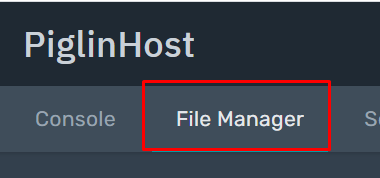
2. Click 'File Manager' at the navigation bar at the top, then click the 'world' folder (Or whatever the name your world is)
Multiverse: If you are using Multiverse, you only need to upload the datapack to your main world, not each world. It will apply to all worlds.
3. Click on the folder 'datapacks'. Upload your datapack here. Usually, these are .zip files.
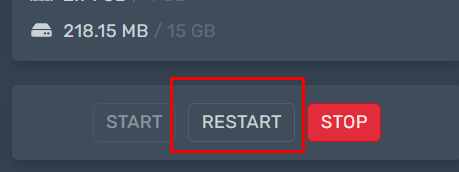
4. Once uploaded, just restart to apply changes.