How to i upload/download files to my server using FileZilla?
Still stuck? Please create a Support Ticket or join our Discord and our team will be happy to help!
1. Visit your control panel.
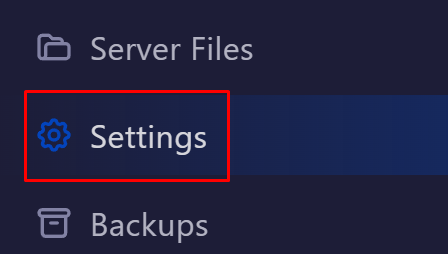
2. Click the Settings tab on the left hand side of your control panel.
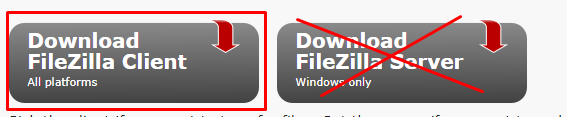
3. Download FileZilla Client (Not the server version), you can get this here.
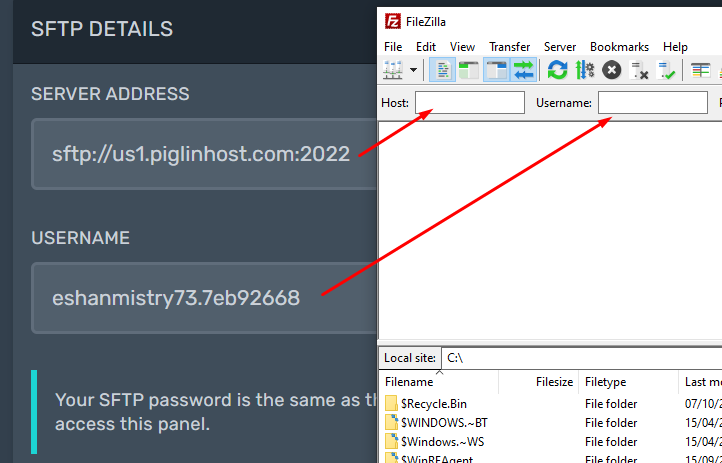
4. Open FileZilla, then copy the following:
Server Address -> Host
Username -> Username
Password -> Use your control panels password ( You can update this here https://panel.piglinhost.com/account )
Port -> This is automatically filled out, leave this blank
5. Then click Quickconnect, you should then see all your server files, and be able to upload/download files from your server and PC! If your new to FileZilla, please consider watching a quick-start YouTube tutorial on this!