


How do i authenticate my Hytale Server?
Still stuck? Please create a Support Ticket or join our Discord and our team will be happy to help!
You will need to authenticate your Hytale server before being able to join it! You will need an active Hytale game and account before proceeding.
There are two ways of authenticating yourself. Please see below.
Automatic Popup
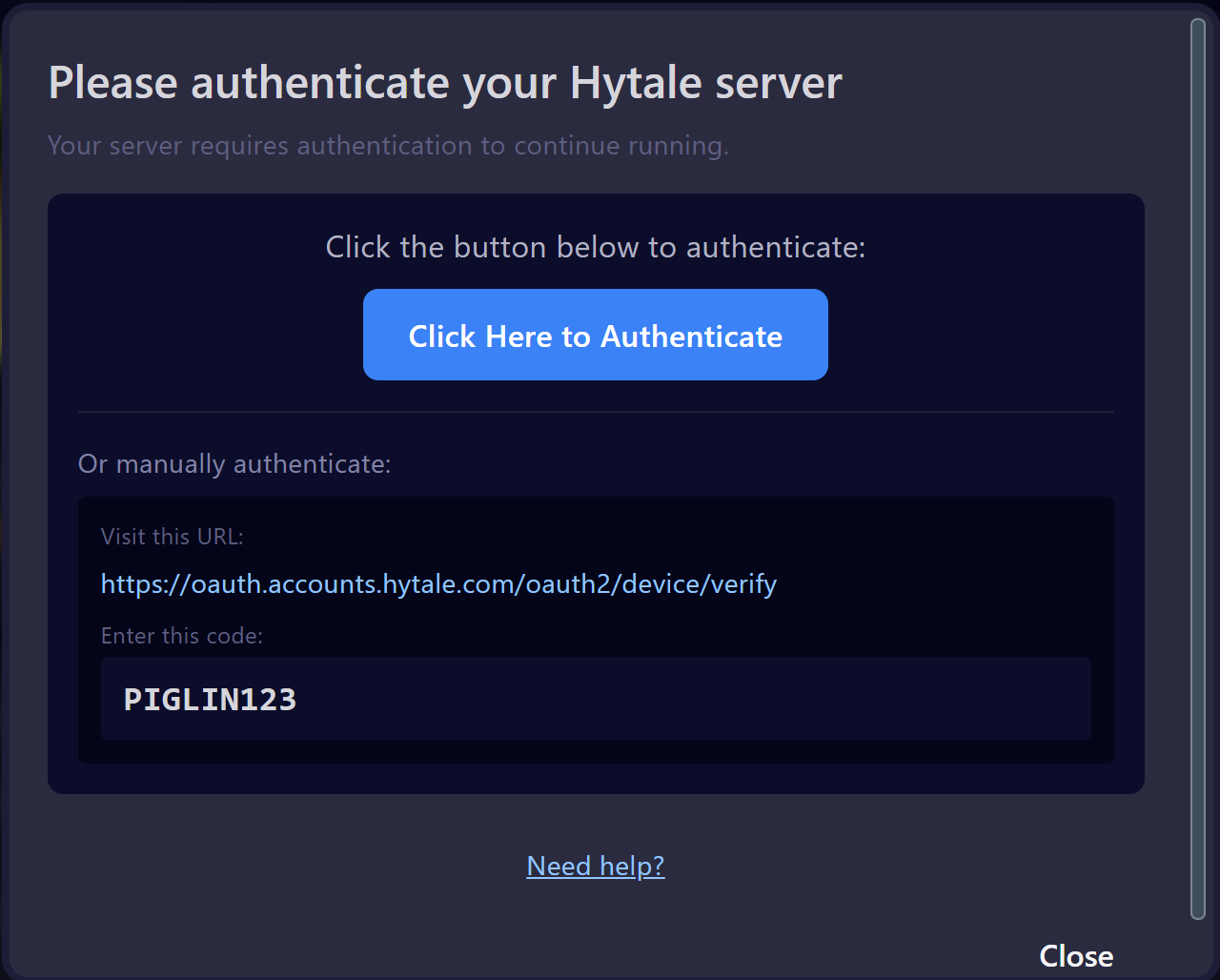
Once you start your server, you should see a popup like below appear. You can click the first link/button - or optionally visit the second link and enter the authorization code shown.
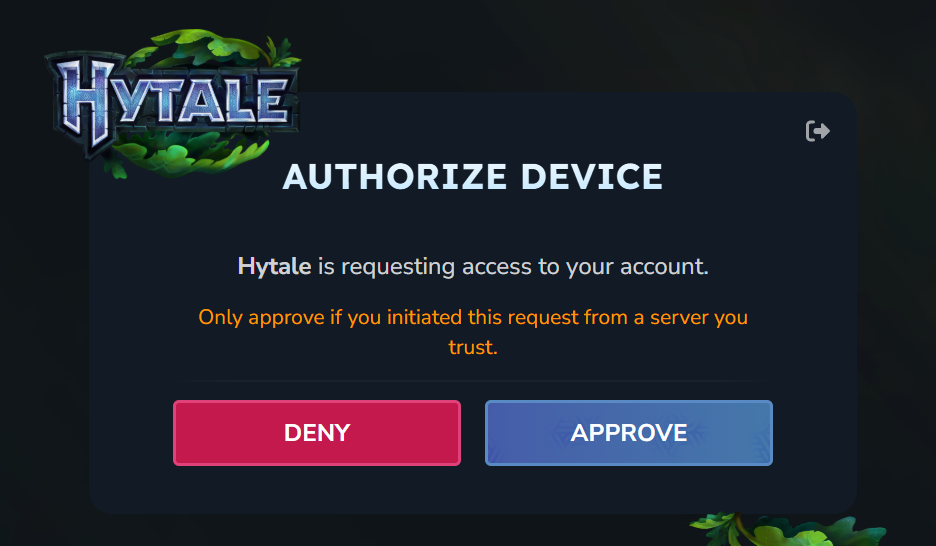
You should see this appear. Click Approve. Once approved, you can head back to your server and it will startup fine!
Manual Way
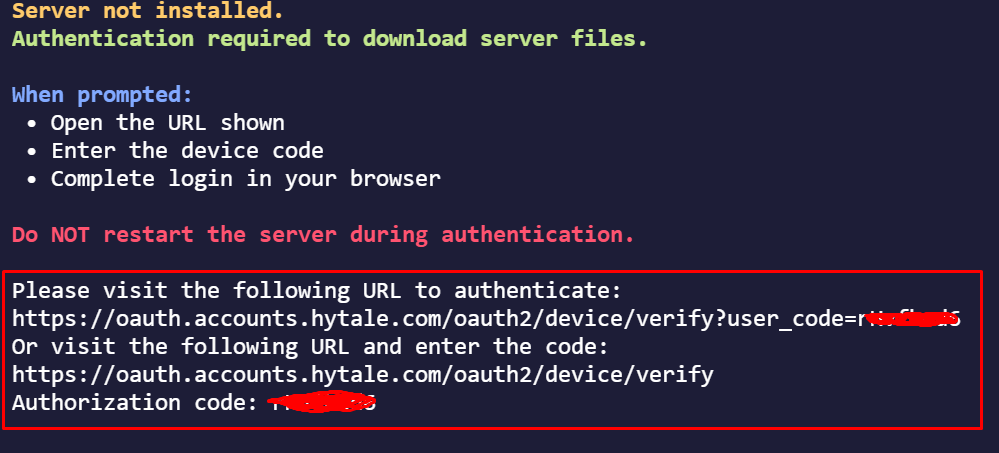
If you are NOT getting the popup as above, not to worry! You can manually authenticate by starting your server, then visiting the Console tab.
You will see in the console as shown below the same link as above which you can click to authenticate your server. If you cannot click the link in the console, please try holding Control + C and then clicking the link. If this still does not work, please copy and paste the link in your browser.