



How to enable and use command blocks?
Still stuck? Please create a Support Ticket or join our Discord and our team will be happy to help!
1. Visit your control panel.
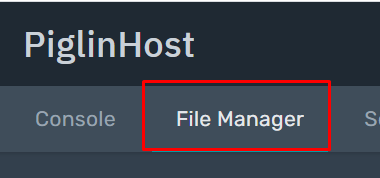
2. Click 'File Manager' at the navigation bar at the top, then click 'server.properties'

3. Locate 'enable-command-blocks', then edit this value to 'true'.

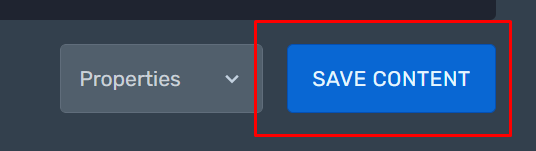
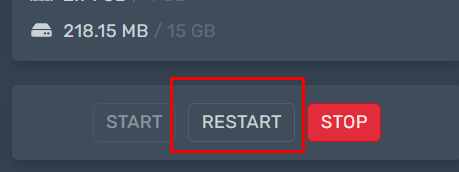
4. Then click 'Save Content' in the bottom right hand corner, then restart your server via the control panel to activate your changes.
5. Then in game, ensure you are in:
- Creative Mode
- Your player is a service operator. If you are not sure how to do this, here is a guide.
You will then be able to use command blocks in-game.
