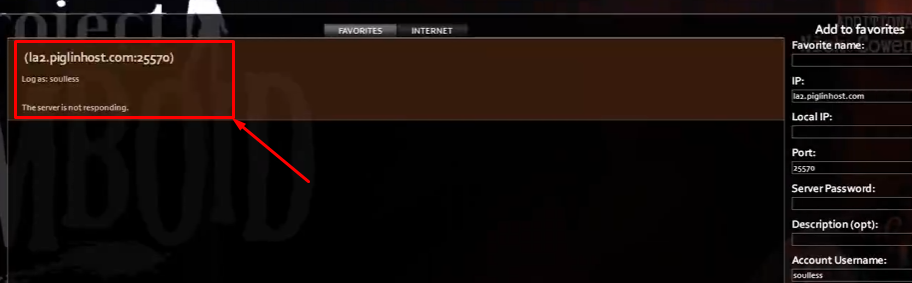
How do I join my Project Zomboid server?
Still stuck? Please create a Support Ticket or join our Discord and our team will be happy to help!
- First, make sure your server is online and running in your control panel, then launch the game.
- Click Join, then on the right-hand side fill in the information.
For your Favorite name, enter whatever you wish for this - its just for your reference.
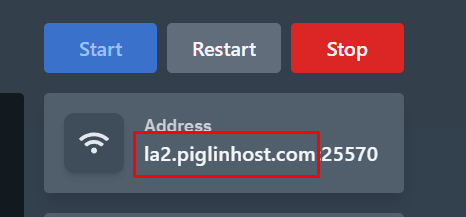
For IP, enter the first part of your server address from the control panel as shown below.
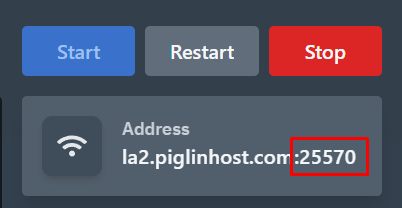
For the Port, enter the Port after the colon from the control panel as shown below.
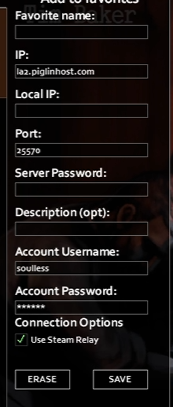
Enter your desired account Username and Account password. For the owner of the server, please enter the Account username and Password you have set in the Settings tab in your control panel.
Local IP, Description, and Serer Password can be ignored.
- Then you should see the server on the left-hand side as shown below. You can then simply click it and Join the server!