How to edit your playerslots?
Still stuck? Please create a Support Ticket or join our Discord and our team will be happy to help!
1. Visit your control panel.
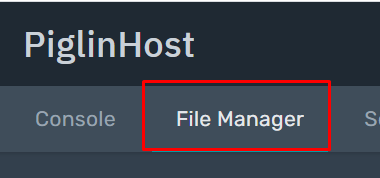
2. Click 'File Manager' at the navigation bar at the top, then click 'server.properties'

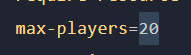
3. Locate 'max-players', then edit this value to what you desire.
Please note your server can only support a player-count respective of your servers plan. Ie. Setting your max-players to 1000 on a 1GB server does not mean your server can handle 1000 players.
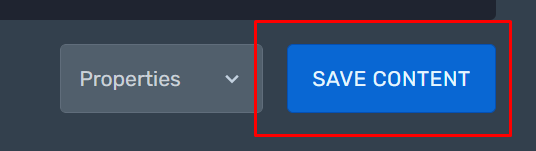
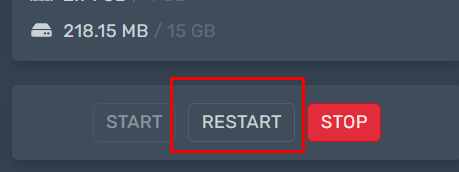
4. Then click 'Save Content' in the bottom right hand corner, then restart your server via the control panel to activate your changes.