



How to delete a players data from your server?
Still stuck? Please create a Support Ticket or join our Discord and our team will be happy to help!
This guide will show you how to delete a players-data from your server. Please note this will wipe their inventory, location etc so please only do this if you are 100% sure, or have made a backup prior.
1. Stop your server.
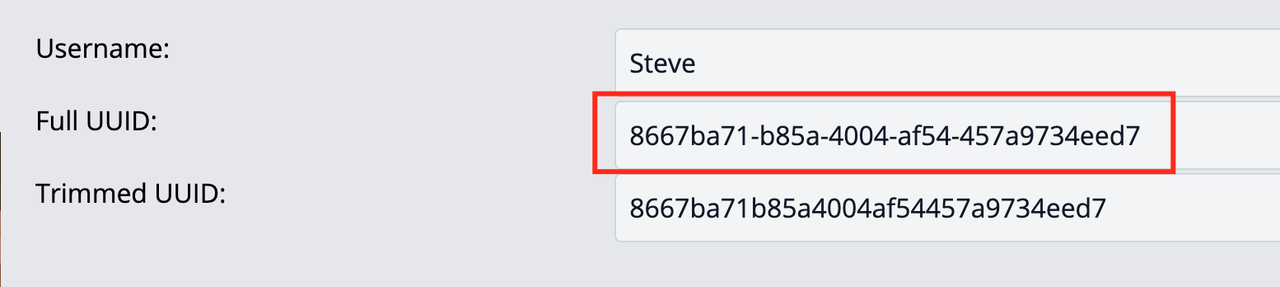
2. Convert your Minecraft username to find its UUID. You can do this via https://mcuuid.net/ - simply enter your Minecraft name in, then copy the Full UUID.
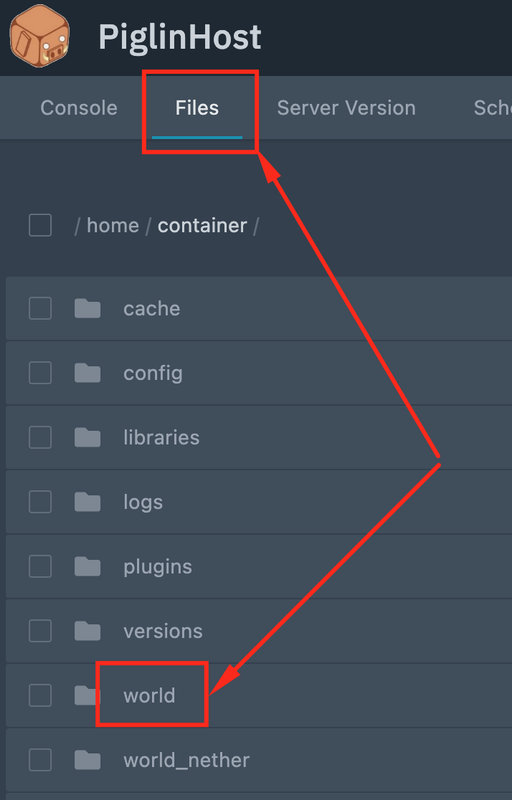
3. Head into your control panel, click the Files tab and then locate the world folder.
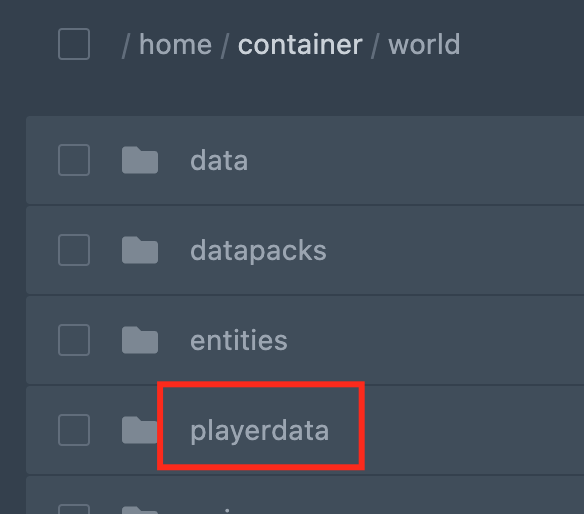
4. Inside here, click the playerdata folder.
5. Then, take the UUID you got in Step 2 and find the file that matches this.
6. Once you have found it, delete it. You may find there is another with the same name that ends with .old , you can delete this too.
7. Once done, simply restart your server!
