



How do i update GeyserMC / Floodgate for Crossplay?
Still stuck? Please create a Support Ticket or join our Discord and our team will be happy to help!
If you are seeing the 'Outdated Geyser Proxy' message on your server this simply means Geyser & Floodgate need updating.
These are the plugins that allow crossplay to work between Java and Bedrock devices on your server.
If you would prefer for our Support team to do this for you, please contact us via Discord or create a Support Ticket. If you would like to do this yourselves, there are just a couple of steps to follow below which are super easy!
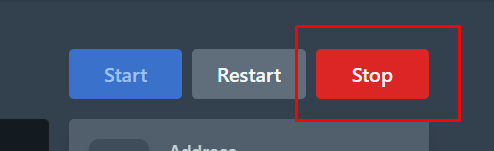
- Login to your control panel, and then stop your server.
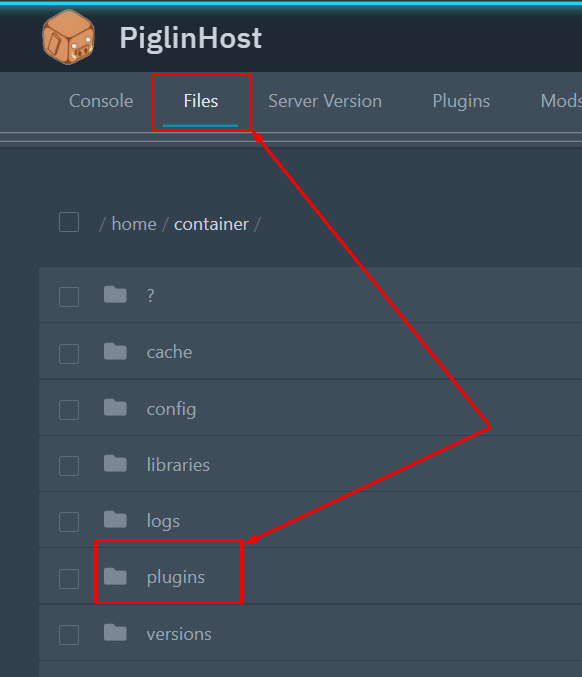
- Click the Files tab, then navigate to the Plugins folder.
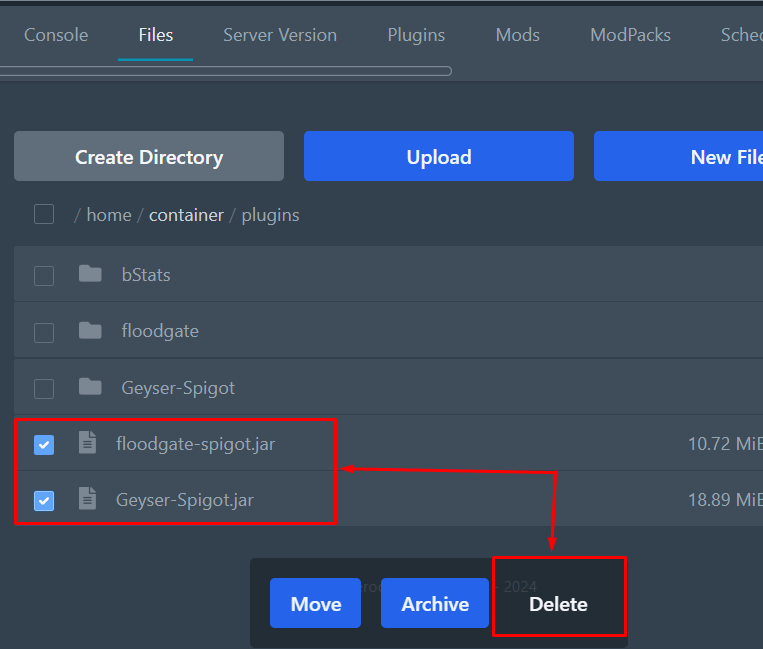
- Delete the existing Geyser-Spigot.jar and Floodgate-spigot.jar files only. DO NOT delete the folders. Please see the screenshot below.
- Download the updates versions of both files by using the links below.
GEYSER DOWNLOAD: https://download.geysermc.org/v2/projects/geyser/versions/latest/builds/latest/downloads/spigot
FLOODGATE DOWNLOAD: https://download.geysermc.org/v2/projects/floodgate/versions/latest/builds/latest/downloads/spigot
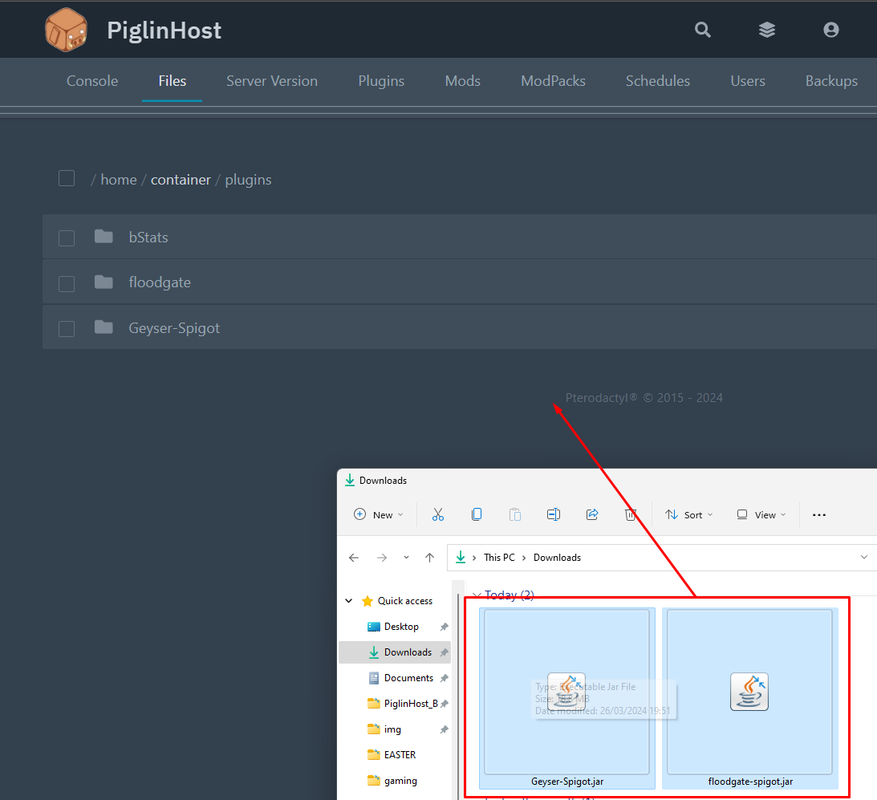
- Drag and drop both files to the folder (Or you can use the Upload button to select them.
- Restart the server, your done!
