


How do i change the settings on my Palworld server world settings?
Still stuck? Please create a Support Ticket or join our Discord and our team will be happy to help!
- First Stop your server completely.
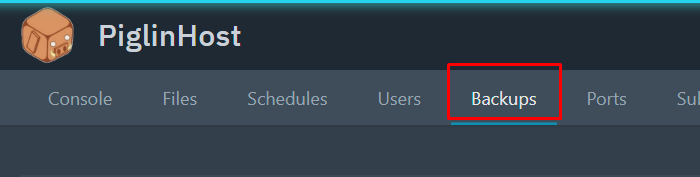
- Then, create a Backup using the Backups tab. You will need to wait for the Backup to finish creating.
- Once done, visit this website here: https://palworldoptions.com/
- Input the values you desire, please note these must be valid values. Please do not change any values you do not recognize. If you are stuck or unsure, please contact our Support via Discord or Support Ticket.
- (Optional but Recommended) We would recommend turning bEnableInvaderEnemy to "False" & bEnableNonLoginPenalty to "False" - this has been proven to significantly help with server performance.


- For the values shown below, these are overridden by our Control Panel. If you wish to change any of these, please do so via the Settings tab in your control panel then restart the server.
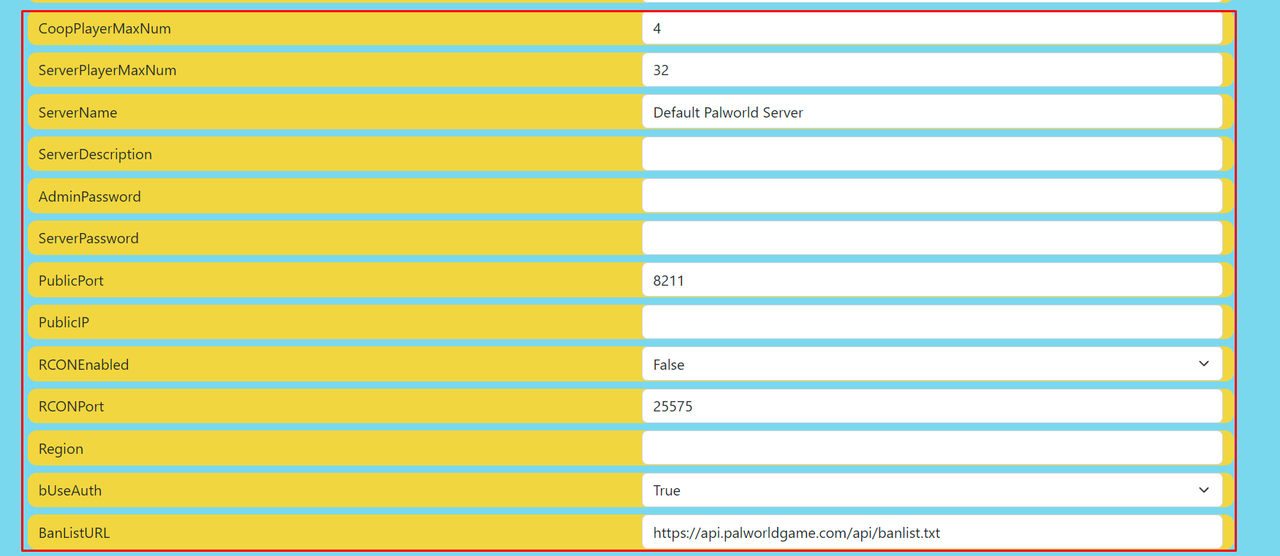
- Then click the Generate WorldOption.sav button at the bottom as shown below. This will download the file to your PC, keep this safe.

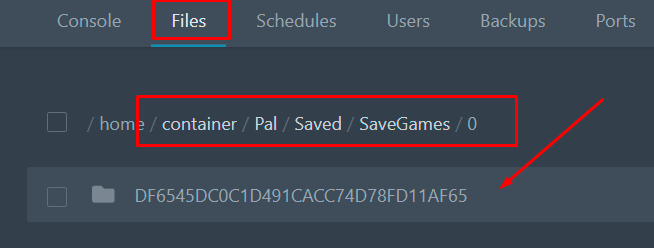
- Then head back to your control panel and click the Files tab. Then, click the Pal folder, Saved folder, SaveGames folder, then "0" as pictured below. You should see a folder named with lots of letters and numbers similar to below. Click on this.
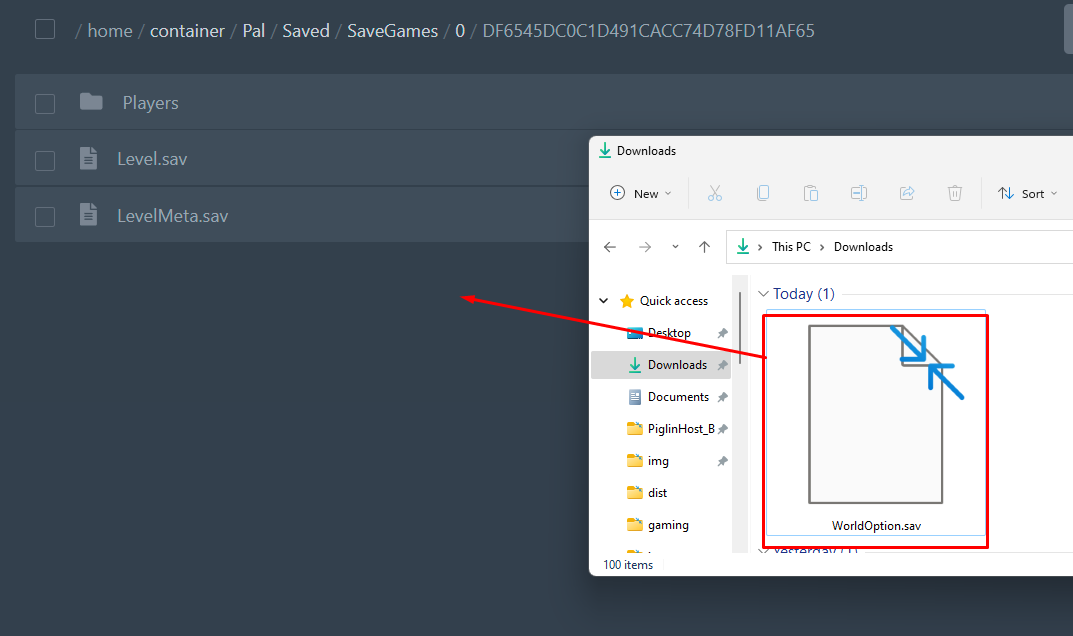
- You should see something similar to below. Drag and drop the worldoptions.sav file you downloaded earlier here by clicking the Upload button or simply drag/drop the file here!
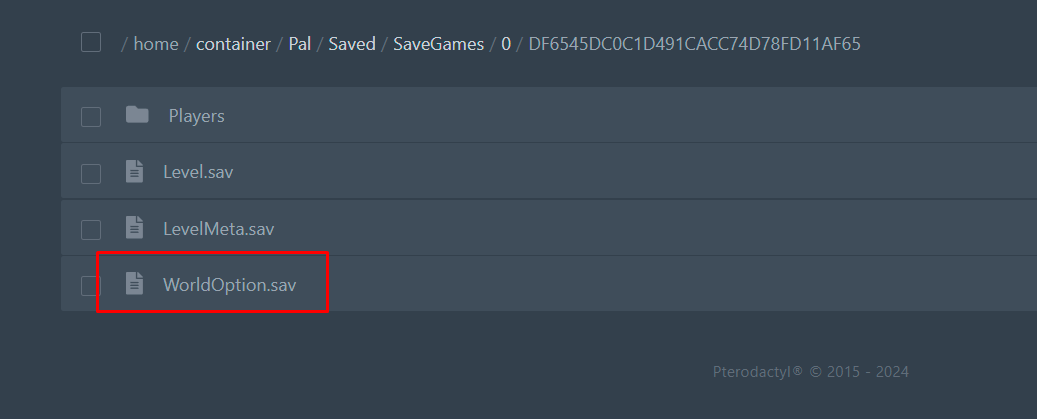
- Once uploaded, you will see the file appear in the list as shown below.
- Then you can start your server again!