



How to use a custom world seed (Bedrock)?
Still stuck? Please create a Support Ticket or join our Discord and our team will be happy to help!
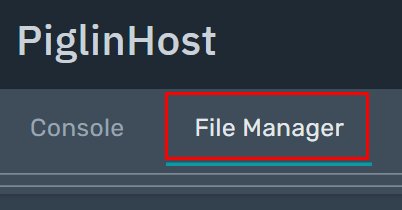
1. First stop your server. Then Login to your PiglinHost control panel, then click the File Manager tab.
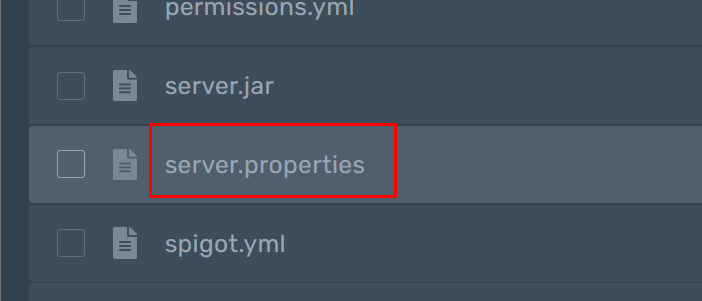
2. Then scroll until you see the 'server.properties' file, click on this.
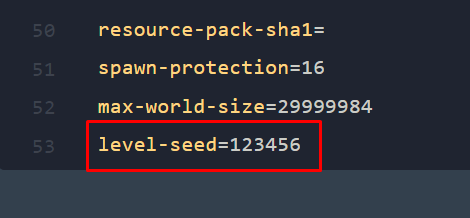
3. Scroll to the bottom of the file, and add the line level-seed= then your level-seed after the = sign. In the example below, the seed is 123456.
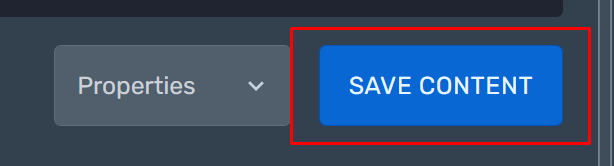
4. Then click the 'Save Content' button in the bottom right.
5. Head back into your Files tab. Then click the worlds folder. Once here, delete your existing world folder. If you want to keep it, then simply rename it to something different. Please note you cannot apply a world seed to a existing world. In the example below, we are just going to delete it.
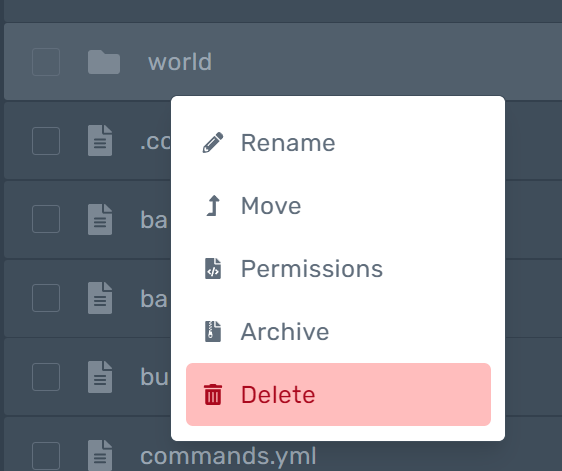
6. Then simply start your server up again - it will generate a new 'world' with the seed you have specified!
